
How Minecraft Seeds Work, From Numbers to Whole Worlds
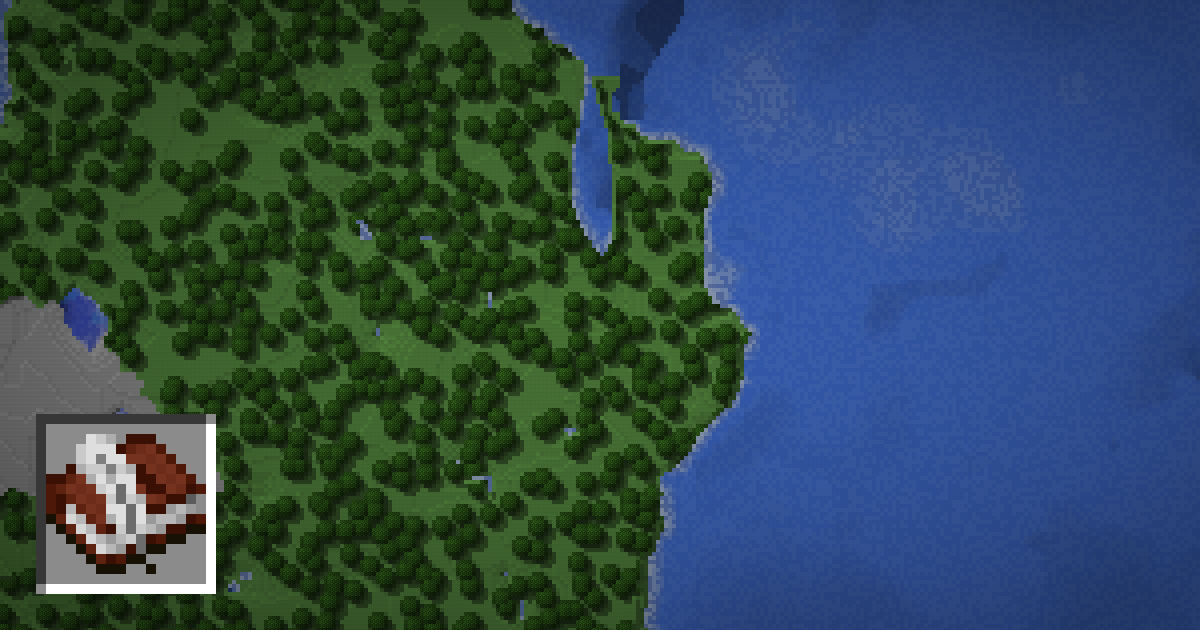
Every Minecraft world starts from a single number called the seed. The game feeds that number into its world generator, and out comes the terrain, the biomes, the caves and the structures. Use the same seed again and you get the same world.
This guide explains what a seed actually is, how text seeds turn into numbers, why the game version matters, and how Java and Bedrock handle seeds. It also shows how a seed map uses this to show your world before you explore it.
What a seed is
A seed is a starting value for the random number generators that build the world. Minecraft generation is not truly random. It is pseudo-random: given the same starting value, the same sequence of numbers comes out every time.
In Java Edition, a seed is a 64-bit signed integer. That means it can be any whole number from -9,223,372,036,854,775,808 to 9,223,372,036,854,775,807. There are about 18 quintillion possible seeds, far more than anyone could ever explore.
The seed does not store the world. It is just the key. The game generates each chunk on demand from the seed and the chunk's coordinates. That is why a seed can be shared as one short number, while a saved world can take up gigabytes.
Same seed, same world
If you enter the same seed in the same edition and the same version, you get the same:
- Terrain shape, mountains, rivers and oceans
- Biome layout
- Cave systems and ore positions
- Structure positions, such as villages, strongholds and temples
- World spawn area
Some things are not set by the seed alone. Mob spawns, weather, and anything players build or break depend on what happens during play.
This is what makes seed maps possible. A seed map runs the same generation rules as the game and draws the result. Enter your seed on the SeedMapView seed map and you see your world from above, including structures you have not visited yet.
How text seeds become numbers
When you create a world, you can type words into the seed box instead of a number. The game has to turn that text into a number first.
- If the text is a valid whole number, Java uses it directly as the seed.
- If it is any other text, Java runs it through the Java String hashCode function. This turns the text into a 32-bit number.
- If you leave the box empty, the game picks a random seed.
Because hashCode gives a 32-bit result, text seeds can only reach about 4.3 billion of the 18 quintillion possible worlds. Two different words can even produce the same number and the same world.
Use the text to seed converter to see which number a word turns into. This is handy if you want to load a text seed on a seed map, which needs the numeric value.
Why the game version matters
The seed is only half of the recipe. The other half is the generator code, which changes between updates. The same seed in a different version can give a very different world.
| Update | What changed |
|---|---|
| 1.13 | New ocean generation and ocean structures |
| 1.16 | New Nether biomes and bastions |
| 1.18 | Full terrain overhaul: taller world, new caves, new biome system |
| 1.19 | Deep dark and ancient cities |
| 1.20 | Cherry groves and trail ruins |
| 1.21 | Trial chambers |
Updating a world only changes chunks generated after the update. Explored areas keep their old terrain. On a seed map, always pick the version your world was created in, or the version of the chunks you care about.
Java and Bedrock seeds
Since 1.18, Java and Bedrock use matching terrain and biome generation. Enter the same numeric seed in both and the land, oceans and biomes line up closely.
Structures are a different story. Each edition uses its own structure placement rules, so villages, temples and other structures usually appear in different places on the same seed. That is why seed maps ask you to pick an edition.
Bedrock historically used 32-bit seeds, while modern versions accept 64-bit seeds like Java. For text seeds, converting the word to a number first is the safest way to get the same world in both editions. Read Java vs Bedrock seeds for more detail.
Finding and choosing seeds
To find the seed of a world you already have:
- Java: type /seed in chat. This works in single player, and on servers if you have permission.
- Bedrock: open the world settings. The seed is shown on the Game page.
The full steps are in how to find your seed.
If you want a new world with specific features, such as a village at spawn or a mushroom island nearby, browse the best seeds list or use the seed finder to search for seeds that match what you want.
Seed myths and common questions
Seeds cause a lot of confusion. Here are some common myths:
- "A seed stores the whole world." It does not. A seed is only the starting value. The game builds the world from it each time a chunk loads.
- "Every seed is unique." For numbers, yes, each seed gives its own world. For text seeds, two different words can hash to the same number and give the same world.
- "A good seed works in every version." Not always. A famous seed from 1.16 can look nothing like itself in 1.18 or later, because the terrain generator changed.
- "Negative seeds are worse." No. Negative seeds are just as valid and just as varied as positive ones.
- "The seed decides mob spawns and loot drops." Mostly not. Mob spawning and drops depend on random events during play, not the world seed.
Some players also wonder why their world differs from a seed they saw online. The usual reasons are a different game version, a different edition, or a text seed typed with different spelling or capital letters. Text seeds are case sensitive, so "Minecraft" and "minecraft" give different worlds.
When you share a seed, always include the edition and version. That way, anyone can load the exact same world or view it on a seed map. Writing the seed down along with its version also helps if you ever want to restart the same world later. If you want to see why Java and Bedrock differ in structures, read Java vs Bedrock seeds.
FAQ
Does the same seed give the same world?
Yes, as long as you use the same edition and the same game version. Changing version can change the terrain and structures.
How many Minecraft seeds are there?
Java Edition seeds are 64-bit numbers, so there are about 18 quintillion possible seeds. Text seeds can only reach about 4.3 billion of them.
What happens if I type words as a seed?
Java converts the text into a number using the String hashCode function. That number is the real seed.
Do Java and Bedrock seeds match?
Since 1.18, the same numeric seed gives very similar terrain and biomes in both editions. Structures are placed differently.
Can I change the seed of an existing world?
Not directly. The seed is fixed when the world is created. You can make a new world with a different seed.