
Minecraft Coordinates: How X, Y, Z, Chunks and /tp Work
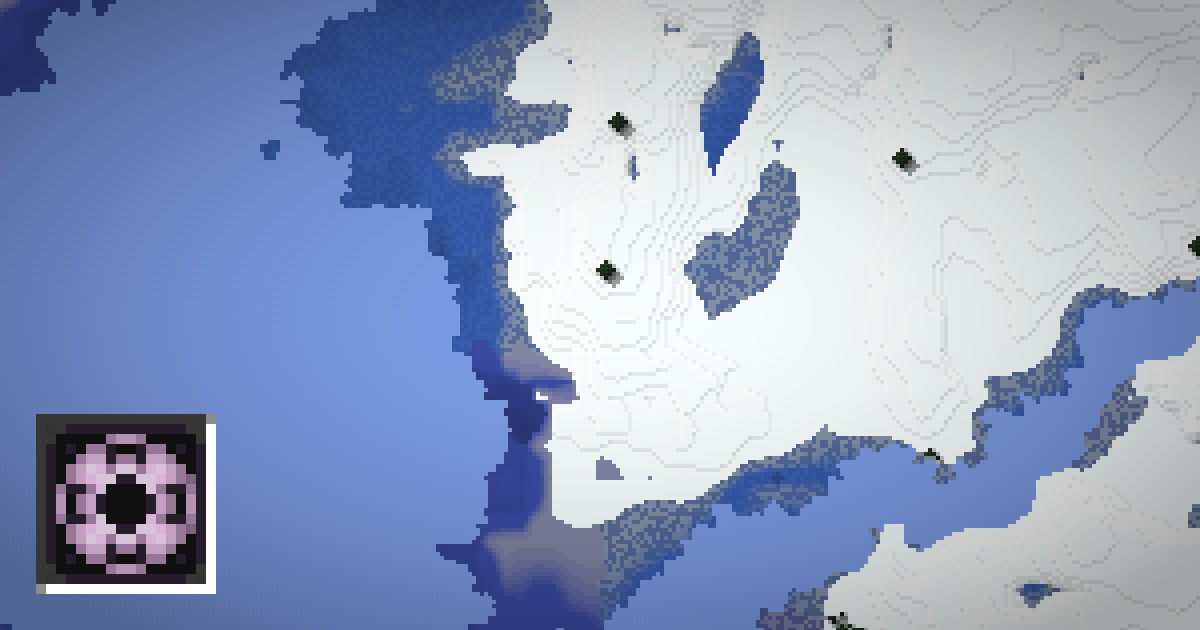
Every block in a Minecraft world has an address made of three numbers: X, Y and Z. Once you understand them, you can find your way home, share locations with friends, link Nether portals and jump straight to structures on a seed map.
This guide explains what each coordinate means, how to show them in Java and Bedrock Edition, how chunks work, and how to use coordinates with the /tp command.
What X, Y and Z mean
Minecraft uses three axes:
| Axis | Direction | Gets bigger when you go |
|---|---|---|
| X | East and west | East |
| Y | Up and down | Up |
| Z | North and south | South |
The point X 0, Z 0 is the center of the world grid. It is not always where you spawn. Moving west makes X negative, and moving north makes Z negative.
Y is height. In the Overworld since 1.18, the world runs from Y -64 at the bottom to Y 320 at the top. Sea level is Y 63. The Nether runs from Y 0 to Y 128, with a bedrock ceiling. Knowing Y is key for mining, since ores generate at certain heights. See Minecraft ore levels for a full list.
How to show coordinates in Java Edition
In Java Edition, press F3 to open the debug screen. On some laptops and Macs you need Fn + F3. The screen shows lots of information. The useful lines are:
- XYZ: your exact position, with decimals.
- Block: the block you are standing in, as whole numbers.
- Chunk: your position inside the chunk and the chunk coordinates.
- Facing: the direction you are looking, such as north or east, and which axis that changes.
A handy shortcut is F3 + C. It copies a teleport command for your current position to the clipboard, which you can paste into chat or a notes app.
If a server has the reducedDebugInfo game rule on, the debug screen hides coordinates.
How to show coordinates in Bedrock Edition
Bedrock Edition does not use F3. Instead, there is a world setting:
- Open the pause menu and go to Settings.
- Choose the Game section for your world.
- Turn on Show Coordinates.
Your position then appears in the top left corner at all times. You can also set it when creating a new world. Turning on Show Coordinates does not disable achievements.
A world operator can also use the command /gamerule showcoordinates true. On a Realm or server, the owner may turn this off.
In both editions, a map item shows your position too. Crafting a map with paper and a compass is a good backup if coordinates are hidden.
Chunks and how coordinates fit into them
Minecraft divides the world into chunks. Each chunk is 16 blocks wide, 16 blocks long and runs the full height of the world. The game loads, saves and generates the world one chunk at a time.
To find a chunk coordinate, divide a block coordinate by 16 and round down. For example, block X 100 is in chunk 6, because 100 divided by 16 is 6.25. Block X -1 is in chunk -1, not chunk 0.
Chunks matter for lots of things:
- Slime chunks: slimes spawn below Y 40 in certain chunks. See how slime chunks work.
- Farms: mob farms work best when placed within certain chunk boundaries.
- Structures: structure placement uses chunk grids.
Press F3 + G in Java to show chunk borders. The chunk calculator converts any block coordinate to its chunk and region in one step.
Using coordinates with /tp
With cheats on, the /tp command moves you to exact coordinates:
- /tp @s 100 70 -250 teleports you to X 100, Y 70, Z -250.
- /tp @s ~ ~10 ~ moves you 10 blocks up. The tilde means relative to your current position.
- /tp @s ^ ^ ^5 moves you 5 blocks forward in the direction you face. The caret means local to your view.
The command works the same way in Java and Bedrock. Be careful with Y values. If you teleport inside solid ground, you may suffocate. A safe trick is to teleport high, such as Y 200, and fall with a water bucket, or use a Y value just above the surface.
On the SeedMapView seed map, clicking a structure copies a ready /tp command for its coordinates.
Nether coordinates and portals
The Nether is scaled. One block in the Nether equals eight blocks in the Overworld on the X and Z axes. Y is not scaled.
- Overworld to Nether: divide X and Z by 8.
- Nether to Overworld: multiply X and Z by 8.
So an Overworld base at X 800, Z -1600 lines up with Nether coordinates X 100, Z -200. Build a portal there and it links to your base. The nether portal calculator does the maths for you, and how nether portals link explains the rules in detail.
Practical ways to use coordinates
Coordinates are useful far beyond teleporting. Here are some everyday uses:
- Getting home. Write down your base coordinates on day one. If you get lost, walk until your X and Z match.
- Sharing locations. Tell friends on a server exactly where a village or a farm is, instead of describing landmarks.
- Mining at the right depth. Watch your Y value while you dig. Diamonds are most common around Y -58, and ancient debris around Y 15 in the Nether.
- Linking portals. Divide your Overworld X and Z by 8 to place a matching Nether portal.
- Building farms. Many farms need to sit in a certain chunk or at a certain height, such as iron farms in village chunks or slime farms below Y 40.
- Using a seed map. Find a structure on the map, read its coordinates, and travel to them in your world.
A simple tip: if you only know the X and Z of a place, you can travel there without the Y value. Walk until X and Z match, then look around or dig down. This is how most structure locations work, since maps and the locate command often give only X and Z.
When you are reading coordinates off a seed map, make sure you are in the right dimension. Overworld and Nether coordinates are different, and a Nether fortress at X 100 is not at Overworld X 100. For help reading the map itself, see how to read a seed map.
FAQ
How do I see coordinates in Minecraft?
In Java Edition, press F3 or Fn + F3. In Bedrock Edition, turn on Show Coordinates in your world's game settings.
Which way is north in Minecraft?
North is the direction where Z gets smaller, or more negative. The sun and moon rise in the east and set in the west.
What is a chunk in Minecraft?
A chunk is a 16 by 16 block column that runs the full height of the world. Divide a block coordinate by 16 and round down to get its chunk coordinate.
Does Show Coordinates disable achievements in Bedrock?
No. Show Coordinates is a world option, not a cheat, so achievements stay enabled.
What does the tilde mean in /tp?
The tilde means relative to your current position. For example, /tp @s ~ ~5 ~ moves you five blocks up.